Bring iOS 17’s StandBy mode to Android
Set your phone on its side while charging and StandBy turns it into a beautiful full-screen clock, photo slideshow, or info display.
Free to download · Android 8.0+
Why StandBy
Everything you want from an ambient display — and more.
iOS StandBy, on Android
The ambient charging display Apple made popular — now on the Android phone you already own.
Clocks for every taste
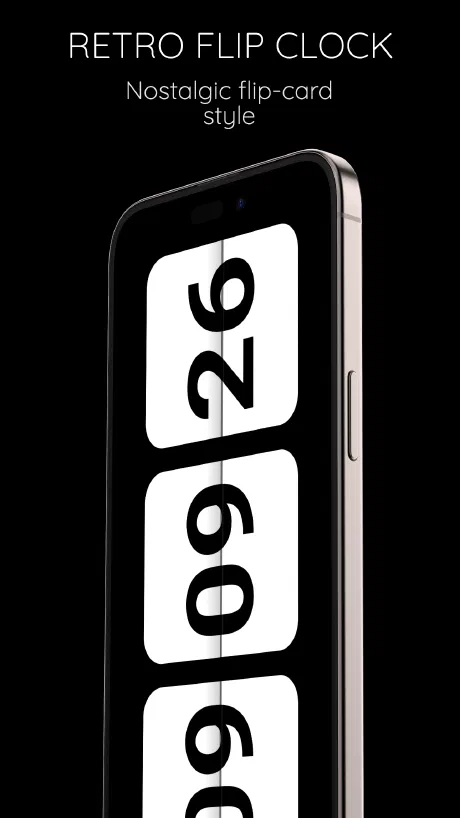
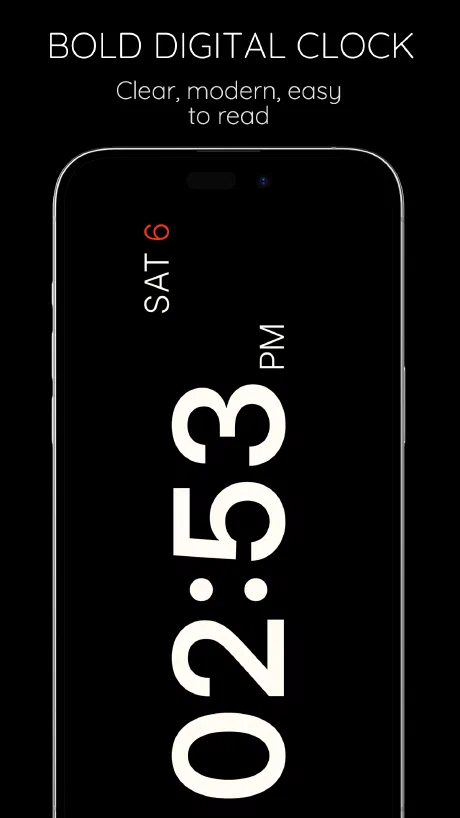
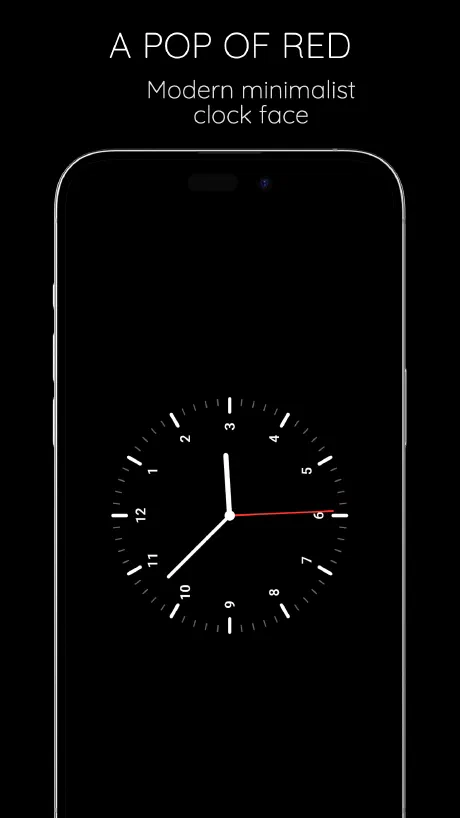
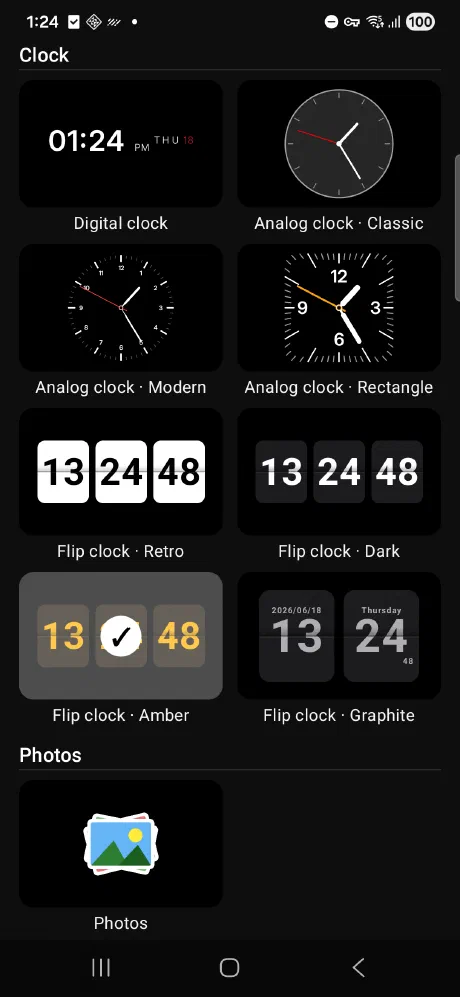
Digital, analog, and retro flip clocks with hand-tuned designer themes.
Photos & widgets
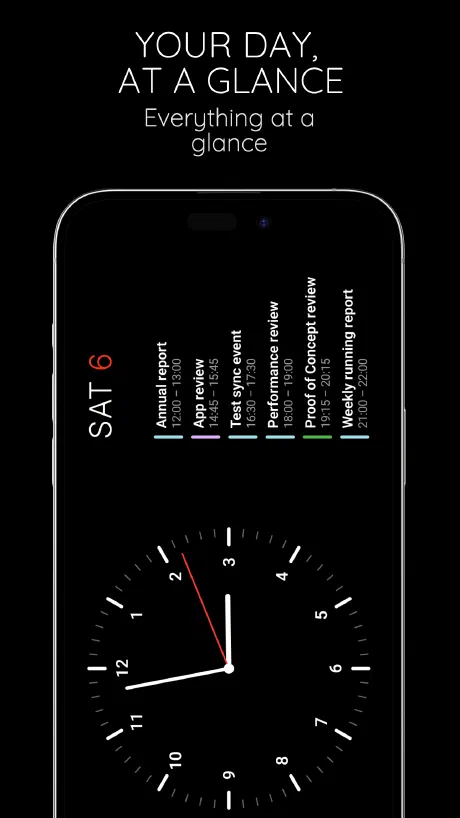
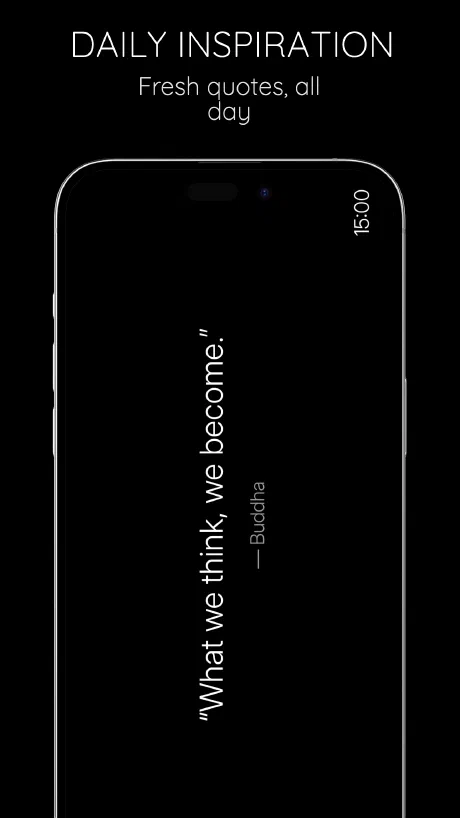
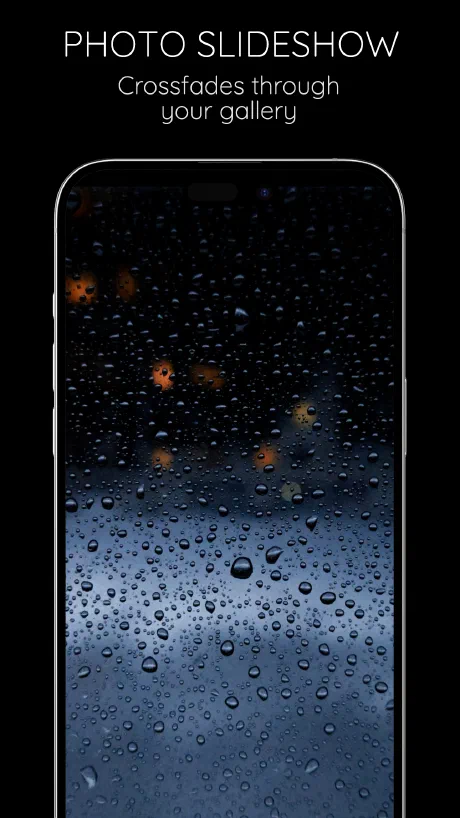
A slideshow from your gallery, plus weather, calendar, and battery at a glance.
Easy on eyes & battery
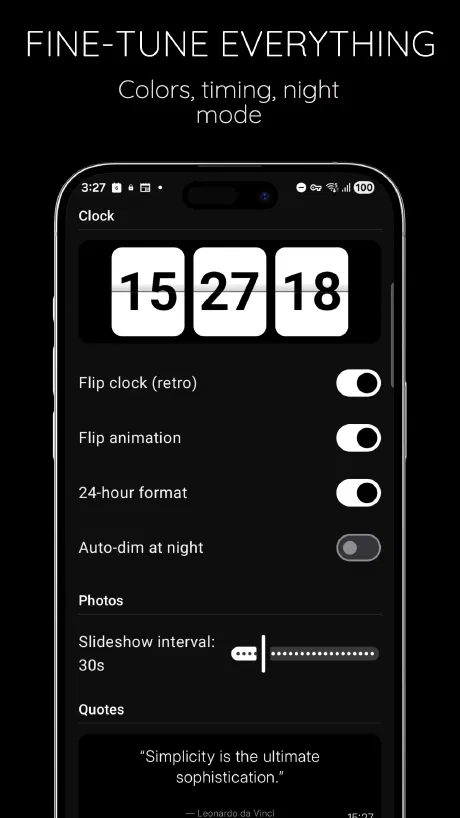
Automatic night dimming and a true-black look that’s kind to AMOLED screens.
Automatic while charging
Plug in and set the phone on its side — StandBy activates on its own.
Free to download
Get the full ambient display experience at no cost on Google Play.
See it in action
A few looks at StandBy on a real phone.
How it works
Up and running in under a minute.
Install StandBy
Download it free from Google Play.
Dock & charge
Set your phone on its side while it charges.
Glance & go
Enjoy your clock, photos, or widgets — hands-free.
Frequently asked questions
Is StandBy free?
Yes — StandBy is free to download on Google Play.
Which phones does StandBy work on?
Any Android phone running Android 8.0 (Oreo) or newer.
How do I start StandBy?
Set your phone on its side while it's charging and StandBy activates automatically. You can also set it as your Android screen saver.
Is this like iPhone's StandBy mode?
Yes — it brings the iOS 17 StandBy experience to Android, with extra clock styles like retro flip clocks.
Will it drain my battery?
StandBy is designed to run while charging, and it dims automatically at night to save power and protect AMOLED screens.
Does StandBy need an internet connection?
No — the clock and photo slideshow work offline. Only the weather widget needs a connection to fetch current conditions.